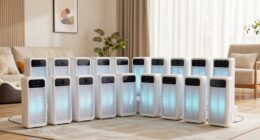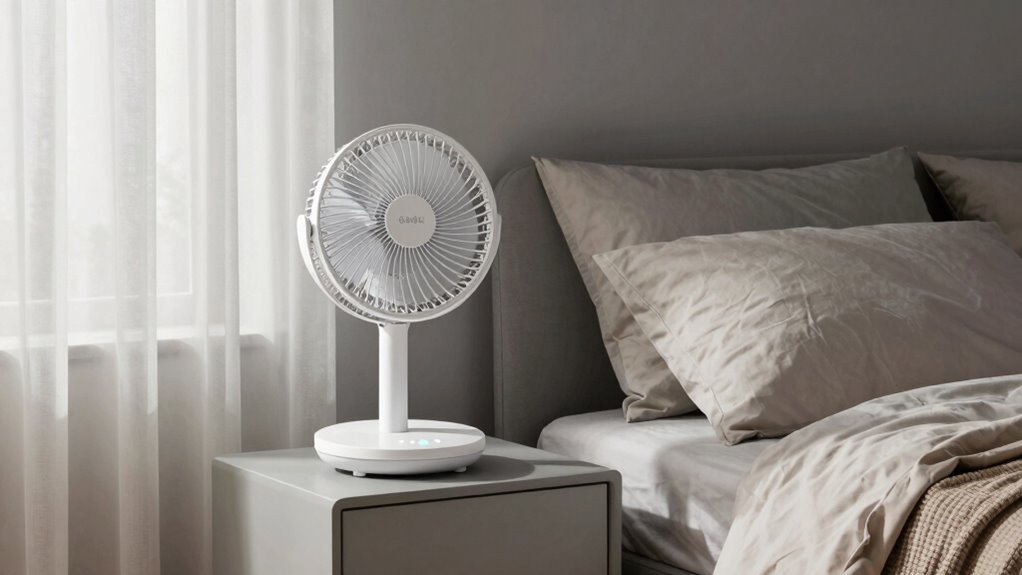
To enjoy clean air without disturbing your sleep, set your air purifier to a lower or medium fan speed, especially at night. Many models have sleep or night modes that automatically reduce noise while maintaining air quality. You can also position the unit on soft surfaces or elevate it to minimize vibrations and humming sounds. For more tips on balancing quiet comfort with clean air, there’s more you can try.
Key Takeaways
- Use sleep mode or night setting to automatically lower fan speeds for quieter operation.
- Adjust fan speed to low or medium to balance air purification with minimal noise.
- Activate additional noise reduction techniques like white noise machines or soundproofing.
- Place the purifier on soft surfaces or elevate it to reduce vibrations and humming sounds.
- Choose high-quality air purifiers with quiet, efficient fans and reliable components for minimal noise.

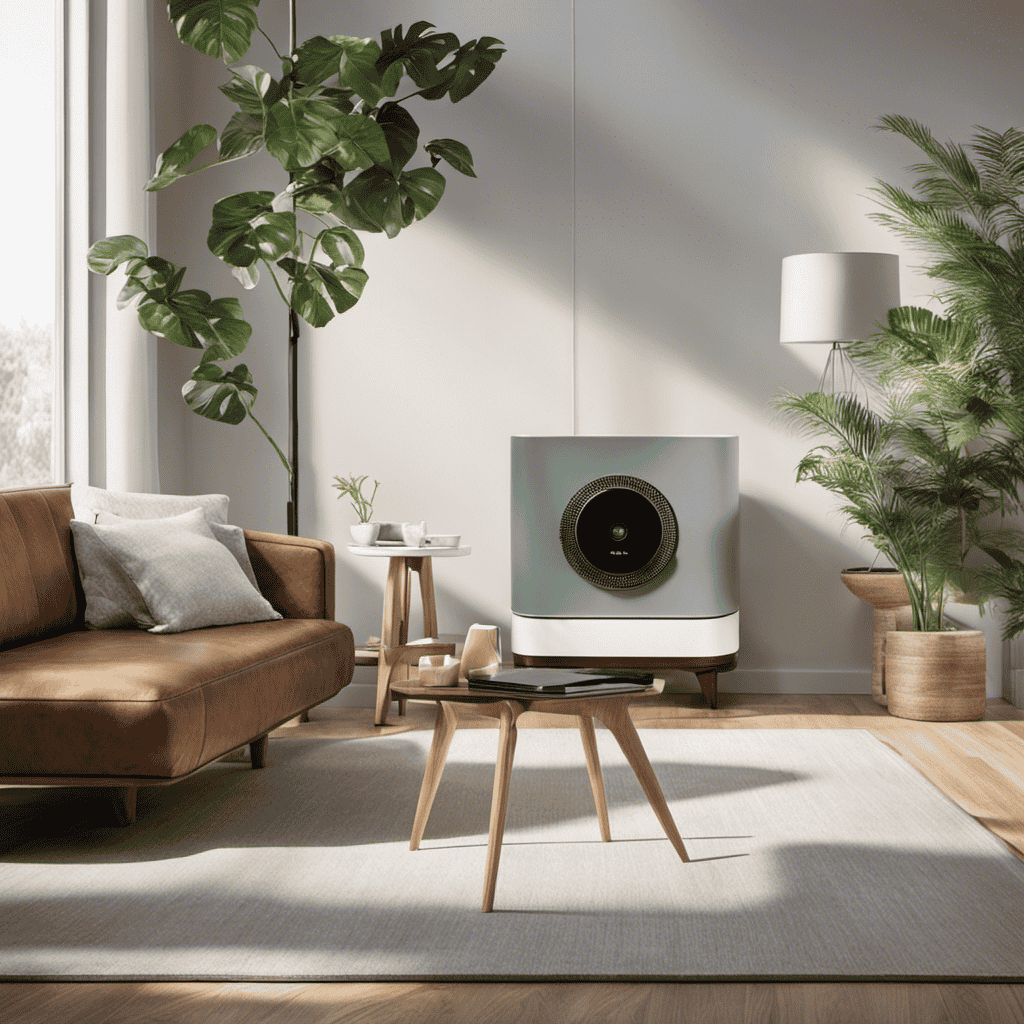
If you want to improve your sleep quality, setting your fan speeds for ideal air purification can make a real difference. Proper air purifier placement is vital to maximize its effectiveness while minimizing noise disturbances. Position the unit away from your bed, ideally on a stable surface, and avoid placing it directly next to your head or tucked into tight corners, which can cause the fan to work harder and generate more noise. A central spot in your room allows for better air circulation and reduces the likelihood of vibrations that contribute to sound. By thoughtfully choosing where you place your air purifier, you guarantee it operates efficiently and quietly, helping you breathe cleaner air without disrupting your sleep.
Noise reduction techniques are indispensable when adjusting fan speeds. Most air purifiers come with multiple settings, and setting it to a lower or medium speed can considerably cut down the noise while still filtering the air effectively. If you find the noise too intrusive, consider using additional noise dampening methods. Placing the purifier on a soft surface or a rubber mat can absorb vibrations and reduce sound transmission. Additionally, some units feature a “sleep mode” or “night setting,” which automatically lowers fan speeds and dims indicator lights to create a quieter environment. Activating these modes is a simple way to enjoy clean air without the disruptive hum that can keep you awake.
Another effective noise reduction technique involves controlling your environment beyond the purifier itself. Using white noise machines or fans in the background can mask the purifier’s sound, making it less noticeable. Soundproofing your bedroom with thick curtains, weatherstripping windows, or adding acoustic panels can also help diminish ambient noise, making the purifier’s sound less disruptive. If your air purifier produces a humming or vibrating noise, check the unit’s stability and tighten any loose parts or screws. Sometimes, simply repositioning the device slightly or elevating it can make a noticeable difference in noise levels.
Additionally, choosing a purifier with trusted technology and quality components can significantly reduce unwanted noise and vibrations, ensuring quieter operation over time. Ultimately, setting your fan speeds thoughtfully balances air quality and comfort. Keep in mind that lower speeds often provide quieter operation with sufficient filtration, especially during sleep hours. By paying attention to air purifier placement and employing noise reduction techniques, you create a peaceful environment where clean, fresh air supports better sleep without the distraction of loud or constant background noise. This simple hack can turn your bedroom into a sanctuary of restful, uninterrupted sleep, all while guaranteeing you breathe the purest air possible.
Frequently Asked Questions
Can Fan Speeds Impact Humidity Levels in the Bedroom?
Yes, fan speeds can impact humidity levels in your bedroom by influencing airflow circulation and humidity control. When you increase the fan speed, it boosts airflow, helping to reduce excess moisture and dry out the air. Conversely, lower speeds slow down circulation, which can allow humidity to build up. Adjusting your fan speeds thoughtfully helps maintain a comfortable humidity level, promoting better sleep and healthier air quality.
What Is the Best Fan Speed for Allergy Sufferers?
Think of your fan as a gentle breeze that clears allergens without disturbing your sleep. For allergy sufferers, a low to medium fan speed works best, especially when combined with air purifier integration. This setting helps optimize your sleep cycle by maintaining clean, allergen-free air without noise. I found that keeping the fan on a low setting during sleep considerably reduced allergy symptoms and improved my rest.
Do Different Fan Speeds Affect Energy Consumption?
Yes, different fan speeds affect energy efficiency and fan noise. Running your fan on a lower speed uses less energy, making it more energy-efficient and quieter. Higher speeds consume more power and generate more noise, but they cool the room faster. To balance energy efficiency and comfort, set your fan to the lowest effective speed, especially during sleep, to minimize noise and save energy without sacrificing airflow.
How Often Should I Clean My Fan to Maintain Air Quality?
You should clean your fan at least once a month to maintain air quality and guarantee effective air purification. Regular fan maintenance prevents dust buildup that can circulate allergens and reduce airflow. Use a damp cloth to wipe the blades and grill, and check for debris in the vents. Keeping your fan clean helps it run efficiently, purifies the air better, and creates a healthier sleeping environment.
Can Adjusting Fan Speeds Help With Temperature Regulation Overnight?
Adjusting fan speeds can definitely help with temperature regulation overnight, and it also impacts fan noise, which influences your sleep quality. By lowering the fan speed, you reduce noise, creating a quieter environment that promotes better sleep. Conversely, increasing the speed can help cool the room faster if you’re feeling too warm. Find a balance that maintains a comfortable temperature while minimizing fan noise to optimize your sleep quality.
Conclusion
By fine-tuning your fan speeds, you subtly invite a gentle whisper of freshness into your bedroom, creating an environment that’s both soothing and invigorating. This simple adjustment acts like a quiet secret, enhancing your sleep without the usual noise. Embrace this clever tweak to enjoy cleaner air and peaceful nights—sometimes, the most powerful changes come from the tiniest shifts. Sweet dreams await when you let your fan work quietly in the background.