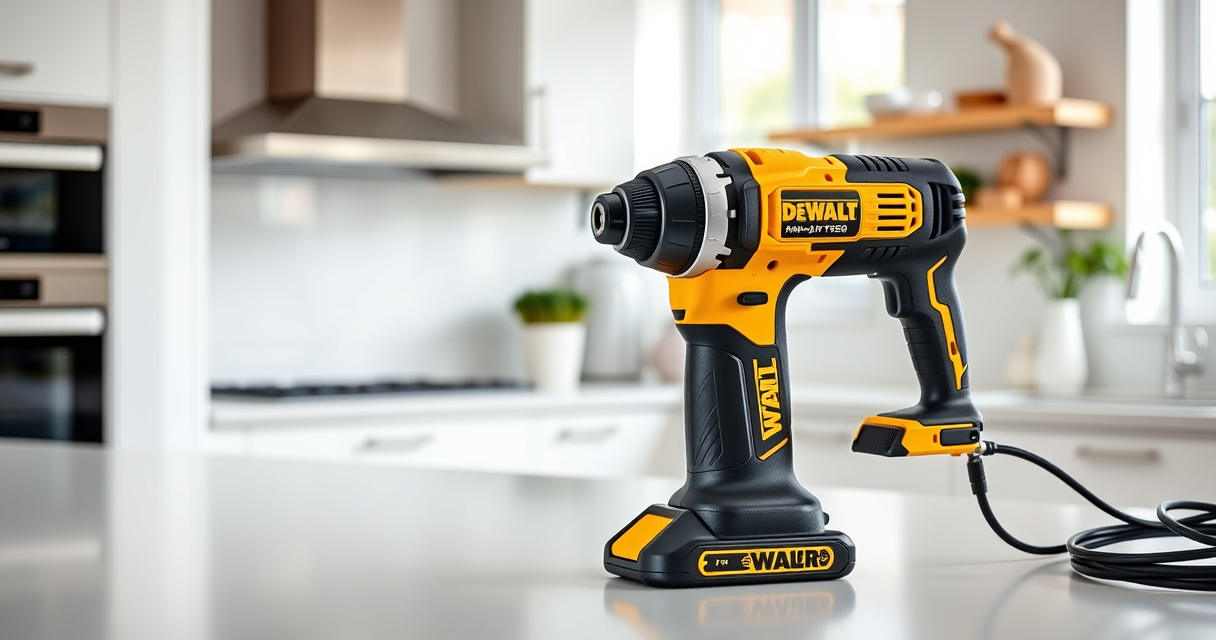

If your DEWALT 20V MAX cordless drill isn’t charging, it can be frustrating and slow down your projects. Before replacing components or contacting support, try these troubleshooting steps to identify and resolve common charging issues. Proper maintenance and careful handling can extend your battery life and ensure your tools are ready when you need them.

Get garden gear delivered free with Prime
- Fast, free delivery on millions of items
- Prime Video, Amazon Music and more included
- Member-only deals all year
Key Takeaways
| Battery health | Battery age and condition impact charging capability. |
| Charger connection | Ensure the charger and battery contacts are clean and secure. |
| Power source | Check outlet or extension cord for proper power supply. |
| Battery temperature | Batteries should be within optimal temperature range to charge. |
| Internal faults | Possible internal damage or firmware issues require further inspection. |
Check the Battery and Its Condition
- Remove the battery from the tool and inspect visually for any signs of damage, corrosion, or swelling.
- If the battery looks damaged, replace it with a new one, such as the DEWALT 20V MAX 5 Ah Lithium-Ion Battery 2-Pack.
- Try charging a different, known-good battery to determine if the issue lies with the battery or the charger.
Inspect and Clean the Charger Contacts
- Unplug the charger and remove the battery.
- Use a dry cloth or a soft brush to clean the metal contacts on both the battery and the charger.
- Ensure there is no debris, dirt, or corrosion that could prevent proper charging connection.
Verify Power Source and Charger Functionality
- Plug the charger into a different outlet or power strip to rule out outlet issues.
- Check if the charger’s LED indicator lights up; refer to your model’s manual for specific signals.
- If the charger still does not power on or show any lights, consider testing with a different compatible DEWALT charger.
Check Battery and Environmental Conditions
- Ensure the battery is within the recommended temperature range (generally 0°C to 45°C).
- Avoid charging batteries that are too cold or hot, as this can prevent charging or damage the cells.
- Allow the battery to reach room temperature before attempting to charge again.
Troubleshoot Internal or Firmware Issues
If the above steps do not resolve the problem, the issue may be internal, such as a faulty circuit board or firmware glitch. Contact DEWALT customer support or consider professional repair options to diagnose and fix internal faults.
The Products in This Guide

DEWALT 20V MAX Cordless Drill Driver Set
- ✔ LED Light: Yes
- ✔ Warranty: 3 years
- ✔ Includes: Battery and charger

DEWALT Drill Bit Set
- ✔ Tip Design: Split point
- ✔ Size Markings: On shank
- ✔ Web Design: Tapered
DEWALT 20V MAX Cordless Drill Driver Set
The DEWALT 20V MAX Cordless Drill Driver Set offers a brushless motor for extended run time and durability, making it a favorite among professionals. When facing charging issues, following proper troubleshooting steps can help maintain its performance.
Pros:
- Brushless motor delivers more run time
- Lightweight and ergonomic design
- LED light for visibility
- Includes 2.0 Ah battery and charger
- Compact for tight spaces
Cons:
- Battery age may affect charging
- Charger can fail over time
- Limited to compatible DEWALT batteries
Best for: General-purpose drilling and fastening in various projects
Not ideal for: Heavy-duty industrial applications requiring larger batteries
Bottom line: A compact, durable drill set ideal for versatile DIY and professional tasks.
DEWALT Drill Bit Set
This DEWALT Drill Bit Set complements your drill perfectly, offering durable and precise bits for various materials. Ensuring your drill is charged and ready makes your projects smoother.
Pros:
- High-speed steel for durability
- Split point tip reduces walking
- Easy size identification
- Rust-resistant coating
Cons:
- Not suitable for heavy-duty metal drilling
- Limited to set sizes
- Requires proper bit storage
Best for: General drilling into plastic, wood, and metal
Not ideal for: Heavy industrial metalworking
Bottom line: A versatile drill bit set that enhances drilling precision and durability.
Frequently Asked Questions
How do I know if my battery is faulty?
Check for visible damage, swelling, or corrosion. Try charging a known-good battery. If charging fails consistently, the battery may need replacing.
Can I use a different charger?
Use only compatible DEWALT chargers with your battery model to ensure proper charging and safety. Using incompatible chargers can damage batteries or void warranties.
Why won’t my charger turn on?
Verify the power outlet is working. Check the charger for damage or debris. If the charger remains unresponsive, consider testing with a different charger or contacting support.
What temperature should batteries be charged at?
Batteries should be charged at room temperature, generally between 0°C and 45°C. Charging outside this range can reduce performance or cause damage.
Keeping Your DEWALT Tools Charging Ready
Proper maintenance and troubleshooting can extend your DEWALT power tool’s battery life and ensure reliable performance. Regularly inspect, clean, and store batteries and chargers correctly. If issues persist after following these steps, reaching out to DEWALT customer support or replacing faulty components can save you time and frustration, keeping your projects on track.
Affiliate disclosure: As an Amazon Associate we earn from qualifying purchases. Prices and availability are accurate as of the time of publishing.
Fall yard work Picks
leaf blowers
As an affiliate, we earn on qualifying purchases.