
To start your digital declutter, first assess your entire online presence and gather all your devices and accounts. Set clear goals to focus on what matters most, then back up essential files and data. Remove unnecessary files and unsubscribe from unwanted emails, while uninstalling apps you no longer use. Streamline your digital tools and create habits for ongoing maintenance. Keep going, and you’ll discover practical steps to transform your digital space with confidence.
Key Takeaways
- Begin by assessing your entire digital footprint, including devices, accounts, and online presence, to identify clutter and privacy risks.
- Set clear, measurable decluttering goals aligned with your priorities to stay focused and motivated throughout the process.
- Back up important data regularly using cloud services and external drives before deleting or uninstalling files and apps.
- Organize files and emails with specific labels, delete duplicates, and unsubscribe from unwanted newsletters to streamline your digital space.
- Maintain your devices and accounts by uninstalling unused apps, updating passwords, and enabling security features like two-factor authentication.
Assess Your Digital Footprint

Before you begin decluttering, it’s essential to understand your current digital footprint. Start by reviewing your online presence, including social media profiles, posts, and comments. This helps you identify content that may raise privacy concerns or harm your online reputation. Check privacy settings on your accounts to see what information is visible publicly and adjust them if needed. Consider how your online activities reflect on you professionally and personally. Eliminating outdated or inappropriate content can protect your privacy and improve your digital image. Being aware of your digital footprint allows you to take control of what others see about you online. Recognizing how your online behavior influences your personal and professional reputation can help guide your decluttering priorities. This step ensures your digital life aligns with your current goals and privacy preferences.
Gather All Devices and Accounts
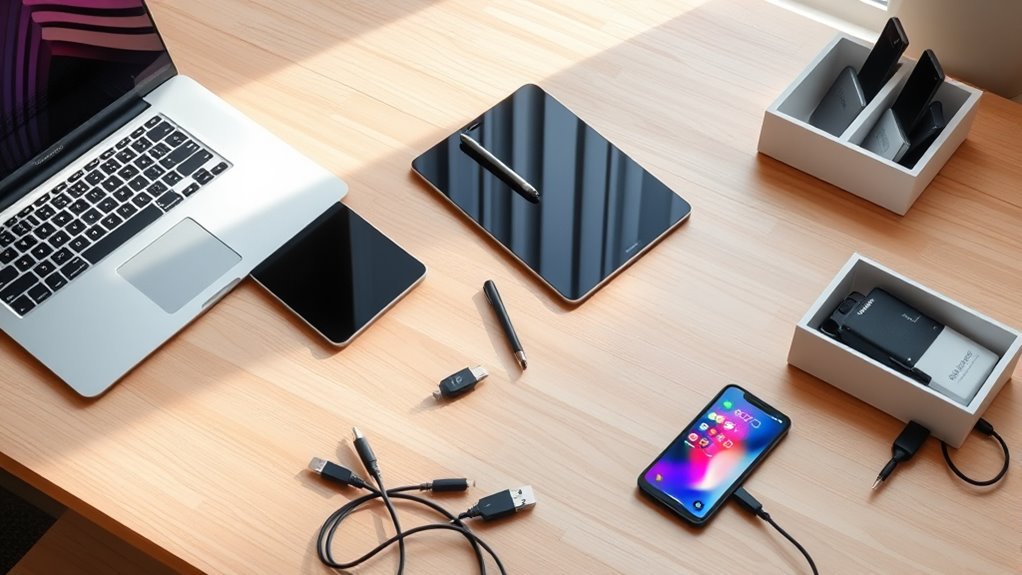
To get a clear picture of your digital presence, start by gathering all your devices and accounts. Create a device inventory by listing smartphones, tablets, laptops, and other gadgets. This helps you see what’s connected to your digital life. Next, perform an account audit by collecting login details for email, social media, banking, subscriptions, and apps. Review each account to identify which are active, outdated, or unnecessary. This step prevents overlooked accounts from cluttering your digital space. Having everything in one place makes it easier to manage and decide what to keep or delete. Understanding angel numbers can provide insight into your readiness for new opportunities, including digital decluttering. By compiling your device inventory and conducting a thorough account audit, you set a solid foundation for a streamlined digital declutter process.
Set Clear Goals for Your Declutter

To make your digital declutter effective, you need to set clear goals. Think about what matters most and what you want to achieve, like freeing up space or reducing distractions. Establish measurable outcomes so you can track your progress and stay motivated. Incorporating mindfulness practices can also help you stay present and focused during the decluttering process.
Define Your Priorities
Setting clear priorities is essential for a successful digital declutter because it helps you focus on what truly matters. By defining your priorities, you can practice digital minimalism and avoid wasting time on unnecessary apps, files, or notifications. Start by identifying what’s most important—whether it’s work projects, personal connections, or hobbies—and prioritize those areas. Use priority setting to eliminate digital clutter that doesn’t align with your goals. This focus ensures your efforts are effective and meaningful, preventing overwhelm and distraction. Remember, a targeted approach makes decluttering less intimidating and more rewarding. Clarifying your priorities now sets the foundation for a streamlined digital space that supports your lifestyle and values. Additionally, applying well-being tips can help maintain your mental clarity throughout the decluttering process.
Establish Measurable Outcomes
After defining your priorities, it’s important to establish measurable outcomes that guide your decluttering efforts. Using digital metrics helps you track progress and stay motivated. For example, set specific goals like deleting 1,000 unused emails or reducing your photo library by 50%. Clear goal setting gives you concrete targets to work toward, making the process manageable and focused. Break larger goals into smaller milestones to maintain momentum. Regularly review your digital metrics to assess progress and adjust your approach if needed. Establishing measurable outcomes guarantees your digital declutter remains organized and intentional, preventing overwhelm. Incorporating contrast ratio considerations can help you evaluate the visual clarity of your digital files and images, ensuring your digital space is not only organized but also visually optimized. With clear, quantifiable goals, you’ll stay motivated and see tangible results as you streamline your digital space.
Backup Important Files and Data
Have you ever lost important files due to a computer crash or accidental deletion? To prevent this, back up your files regularly. Use cloud storage services like Dropbox or Google Drive for easy access and automatic backups. Make sure to enable data encryption to protect sensitive information from unauthorized access. Consider backing up critical data to an external hard drive as an additional safety net. Schedule backups weekly or after significant changes to ensure your files are up-to-date. Keep the backup process simple and consistent so you’re always prepared if something goes wrong. Remember, a secure backup can save you hours of frustration and prevent permanent data loss, giving you peace of mind as you declutter your digital space.
Identify and Remove Unnecessary Files
Start by searching for duplicate files that clutter your storage and slow down your device. Next, identify old backups you no longer need and delete them to free up space. Removing these unnecessary files helps keep your digital workspace organized and efficient. Additionally, regular maintenance can prevent digital hoarding and improve overall device performance. Digital clutter can significantly impact productivity and device longevity.
Locate Duplicate Files
Wondering how to free up space and organize your digital files? Start with duplicate file management. Find unnecessary copies that clutter your storage and slow your device. Use file comparison techniques to identify duplicates efficiently—these tools compare content, not just filenames, ensuring accuracy. Many software options scan your folders quickly, highlighting exact duplicates for easy removal. Be cautious to review the identified files before deleting, so you don’t accidentally remove essential documents. Once you confirm duplicates, delete or move them to an external storage. Regularly performing duplicate file management keeps your digital environment tidy and frees up valuable space. Additionally, understanding headphone jacks and their compatibility can improve your audio setup and prevent connectivity issues. Taking these steps minimizes clutter and improves your device’s performance, making it easier to find and access important files when you need them.
Delete Old Backups
Cleaning up your backups is essential for maintaining an organized digital space. Over time, old backups can accumulate, creating redundant storage that clutters your system. To free up space, identify unnecessary files and delete outdated backups. Focus on backups from projects long completed or devices no longer in use. Regularly reviewing these files prevents them from taking up valuable storage.
A comprehensive understanding of data management can help you develop an effective backup cleanup routine.
Organize Your Files and Folders

Have you ever felt overwhelmed by a cluttered digital space? Organizing your files and folders can make a huge difference. Start with clear folder naming—use specific labels like “Invoices” or “Photos 2023″—to easily locate what you need. Storage organization involves grouping related files and deleting duplicates. To help clarify, here’s a visual guide:
| Purpose | Folder Naming | Storage Organization |
|---|---|---|
| Efficiency | Use descriptive titles | Keep similar files together |
| Accessibility | Short, consistent labels | Regularly review and delete |
| Clarity | Avoid vague names | Move obsolete files to archive |
This approach minimizes chaos and saves time, making your digital space more manageable. Additionally, applying best practices in file management can further improve your organization system.
Unsubscribe From Unwanted Emails and Newsletters

Unwanted emails and newsletters can quickly flood your inbox, making it hard to find important messages and stay productive. To improve email management, take time to unsubscribe from newsletters and promotional emails you no longer read. This reduces clutter and helps you focus on what truly matters. Managing your cookie preferences can also help protect your privacy while navigating online tools for email organization. Here are some tips:
- Use your email’s unsubscribe link to stop future emails from unwanted newsletter subscriptions.
- Create filters to automatically move promotional emails to a separate folder.
- Regularly review your subscriptions and remove those you no longer find valuable.
Uninstall Unused Apps and Software
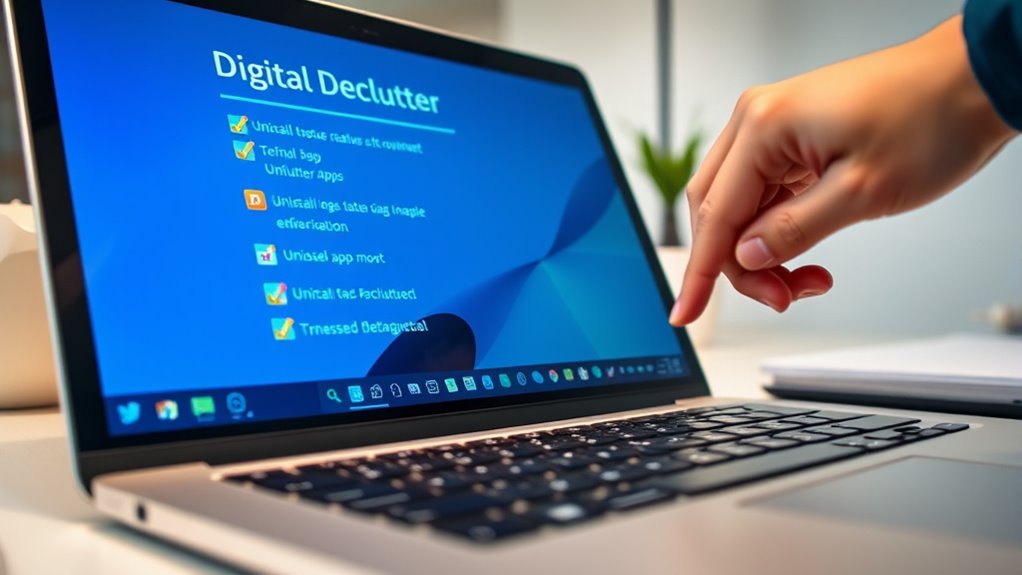
Start by identifying apps and software you no longer use or need. Before uninstalling, back up any important data to avoid losing it. Once you’re ready, uninstall the unnecessary programs and restart your device to complete the process.
Identify Unnecessary Apps
To streamline your digital space, it’s necessary to identify and remove unnecessary apps and software. Start by reviewing your app usage—if you haven’t opened an app in weeks, it’s likely unnecessary. Check app permissions; some apps access more data than they need, which can compromise your privacy. Removing unused apps reduces clutter and optimizes device performance.
Consider these steps:
- Uninstall apps you no longer use or need
- Limit app permissions to only essential access
- Regularly monitor app activity and usage patterns
Backup Important Data
After clearing out unnecessary apps, it’s a good time to back up your important data before uninstalling any software. Use cloud storage services to securely save files, photos, and documents, ensuring they’re accessible later. Before transferring, consider encrypting sensitive data for added security through data encryption tools or service features. Double-check that your backups are complete and up to date, so nothing gets lost during the declutter process. This step helps prevent accidental data loss and makes uninstalling apps safer and easier. Once your data is safely stored and encrypted, you can confidently remove unused software without worry. Taking these precautions keeps your digital information protected while streamlining your device’s performance.
Uninstall and Restart
Uninstalling unused apps and software is a crucial step in streamlining your device’s performance. Removing unnecessary programs frees up storage and reduces background activity. To do this effectively, identify apps and software you no longer use or need. Then, follow these steps:
- Uninstall software from your device’s settings or control panel
- Clear out residual files or data associated with uninstalled programs
- Restart devices to ensure changes take effect and system performance improves
Restarting devices helps refresh system resources and applies your changes seamlessly. Regularly uninstall software you no longer need to keep your device running smoothly. This simple step prevents clutter buildup and enhances speed, making your digital space more efficient and easier to manage.
Streamline Your Digital Tools and Accounts
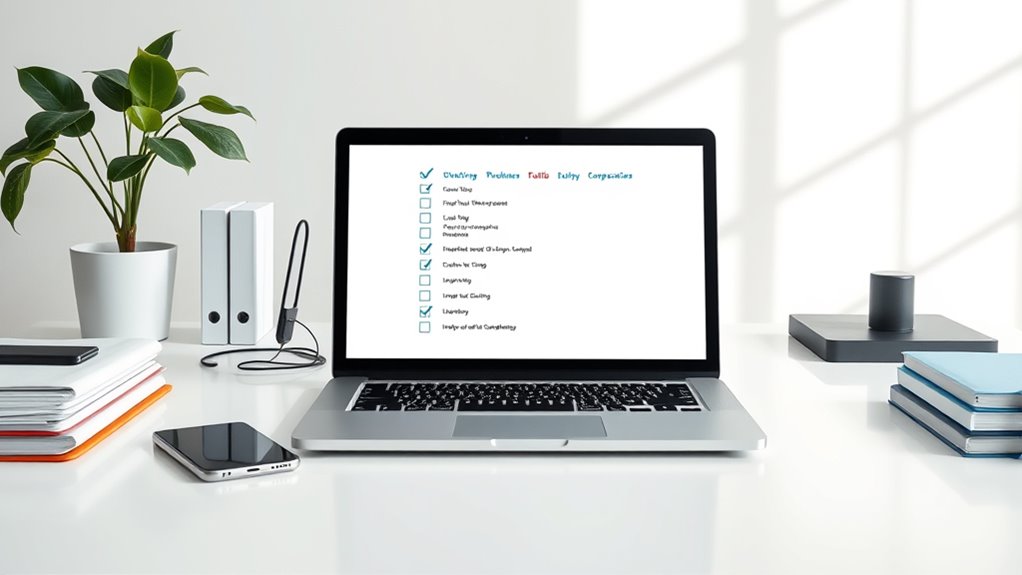
Streamlining your digital tools and accounts can substantially reduce clutter and boost your productivity. Start by reviewing all your accounts—email, social media, subscriptions—and delete those you no longer use. Organize remaining tools into folders or categories for quick access. This reduces digital clutter and minimizes the risk of overlooked security issues. As you clean up, prioritize digital privacy and online security by updating passwords and enabling two-factor authentication where available. Avoid using the same password across multiple accounts. Simplifying your tools also helps you stay focused and reduces digital overwhelm. Remember, less is more—keeping only essential accounts ensures better control over your digital footprint and safer online experiences. Regularly evaluating your tools keeps your digital space efficient and secure.
Establish Ongoing Maintenance Habits

Once you’ve organized and simplified your digital tools, maintaining that order requires consistent effort. Developing good digital habits and sticking to tech routines keep clutter at bay. Set aside a few minutes each day or week to review your inbox, delete unnecessary files, and update passwords. This prevents buildup and keeps your digital life streamlined. To make this easier, consider:
Regular digital upkeep keeps your tools tidy and efficient.
- Scheduling regular digital cleanups
- Using automation tools for backups and updates
- Limiting time spent on distracting apps
Frequently Asked Questions
How Often Should I Perform a Digital Declutter?
You should perform a digital declutter every three to six months. During this time, focus on email cleanup by deleting unnecessary messages and organizing important ones into folders. Also, dedicate time to photo organization, deleting duplicates, and sorting images into albums. Regular decluttering keeps your digital space tidy, reduces stress, and boosts productivity. Setting a routine helps you stay on top of email cleanup and photo organization without feeling overwhelmed.
What Tools Can Help Automate My Digital Organization?
Think of automation tools as your digital maestros, orchestrating chaos into harmony. You can harness cloud storage services like Dropbox or Google Drive to automatically back up files, while apps like IFTTT or Zapier connect your apps, streamlining tasks. These tools act like digital janitors, sweeping away clutter with minimal effort, so you can focus on what truly matters, knowing your digital world stays tidy and organized effortlessly.
How Do I Protect My Privacy During Decluttering?
To safeguard your privacy during decluttering, focus on privacy protection and secure data handling. Use strong, unique passwords for your accounts and enable two-factor authentication whenever possible. Before deleting files, make certain no sensitive information is exposed or stored insecurely. Regularly back up your data securely, and consider encryption tools for extra security. By staying vigilant and applying these practices, you safeguard your information throughout the decluttering process.
Can Decluttering Improve My Device Performance?
Yes, decluttering can improve your device performance markedly. By optimizing storage, you free up space, making your device run smoother and faster. Removing unnecessary files and apps helps with storage optimization, reducing lag. Additionally, decluttering often involves malware removal, which boosts security and prevents slowdowns caused by malicious software. Regularly decluttering keeps your device efficient, ensuring it performs at its best and extends its lifespan.
What Are Common Mistakes to Avoid During Digital Decluttering?
Avoid common mistakes like neglecting file organization and email management. Don’t delete files without reviewing them first, as you might need them later. Skipping backups can lead to data loss, so confirm you back up important files. Also, resist the urge to declutter everything at once; instead, focus on specific folders or emails. This approach keeps your digital space manageable and prevents accidental deletions.
Conclusion
Now that you’re equipped with this digital declutter checklist, imagine a cleaner, more organized digital life waiting for you. Think of your devices as a garden—you’re the gardener, and each step is a chance to prune and nurture. Don’t let digital chaos overwhelm you; take control today and enjoy the clarity that comes with a streamlined digital space. Your clutter-free future is just a declutter away—are you ready to begin?