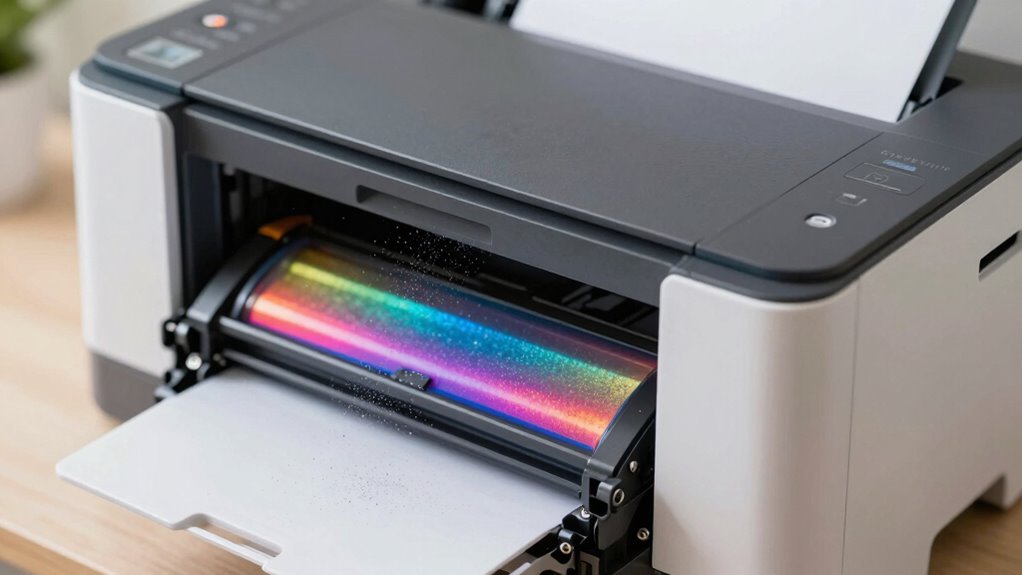
When you use printers and laser devices, tiny toner dust particles and volatile organic compounds (VOCs) such as benzene and formaldehyde are released into the air. These particles and chemicals can linger indoors, potentially causing respiratory irritation, headaches, or other health issues over time. Emission levels depend on the type of printer, usage, and ventilation. To understand how to minimize your exposure and improve air quality, keep exploring what’s really in the air around your printer.
Key Takeaways
- Printer emissions include tiny toner dust particles and volatile organic compounds (VOCs) like benzene, styrene, and formaldehyde.
- Laser printers tend to emit higher levels of toner dust and VOCs compared to inkjet printers, especially during operation.
- Emissions can linger in the air, settle on surfaces, and be disturbed during cleaning, increasing inhalation risks.
- Poor ventilation amplifies the concentration of airborne particles and chemicals released during printing.
- Using emission-certified printers and air purifiers with HEPA filters can reduce indoor airborne pollutants.
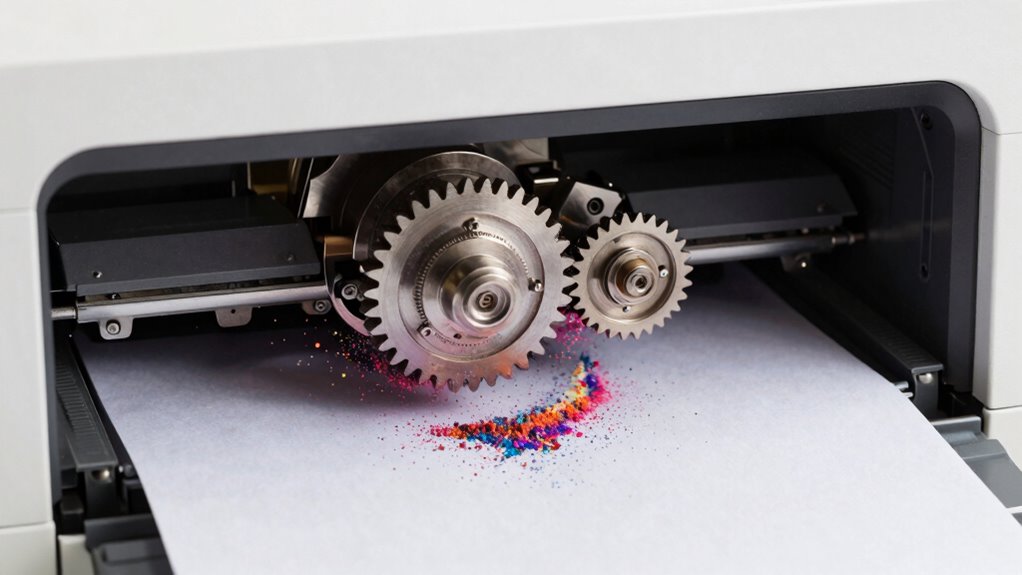
Many people overlook the potential health risks associated with printer and laser toner emissions, even though these devices are common in homes and offices. When you use a printer or laser printer regularly, you might not realize that you’re inhaling airborne particles and chemicals released during the printing process. These emissions, often invisible to the naked eye, can linger in the air and contribute to indoor air pollution. Airborne particles from printers include tiny toner dust particles and other debris that can become suspended in the air, especially during printing or maintenance. Over time, inhaling these particles can lead to respiratory irritation and other health issues, particularly if you’re exposed repeatedly or in poorly ventilated spaces.
Chemical exposure is another concern linked to printer emissions. Printers release various volatile organic compounds (VOCs), such as benzene, styrene, and formaldehyde, which are emitted from toner powders, inks, and the printer’s internal components. These chemicals can irritate your eyes, nose, and throat, and prolonged exposure may increase the risk of more serious health problems, including headaches, dizziness, or even long-term respiratory conditions. If you work in an environment with multiple printers running frequently, your risk of chemical exposure rises markedly. It’s easy to underestimate how much of these VOCs are present in the air, especially since they often dissipate slowly and settle on surfaces, only to be disturbed again during cleaning or maintenance.
The presence of airborne particles and chemicals varies depending on the type of printer, the frequency of use, and the ventilation in the space. Laser printers, for example, tend to emit higher levels of toner dust and VOCs than inkjet printers, mainly because of the heat involved in the toner fusing process. If you’re concerned about air quality, you should understand that poorly ventilated rooms can trap these emissions, increasing your exposure. Using printers in well-ventilated areas or installing air purifiers with HEPA filters can markedly reduce airborne particles and chemical concentrations. Additionally, opting for newer, emission-certified printers might lower your risks, but it’s essential to stay aware of the potential hazards and take proactive steps to protect your health. Moreover, understanding the role of high-quality filtration in reducing indoor pollutants can significantly improve air safety in environments with frequent printing activities.
Frequently Asked Questions
Are Printer Emissions Safe for Children and Pregnant Women?
Printer emissions may not be entirely safe for children and pregnant women, as they can affect air quality concerns. These vulnerable populations are more sensitive to airborne particles and chemicals, which could impact their health. To protect them, make certain proper ventilation when printing, use high-quality, low-emission toners, and limit printer use in enclosed spaces. Being cautious helps reduce potential health risks linked to printer and toner emissions.
How Often Should I Replace My Laser Printer’s Toner?
You should replace your laser printer’s toner when it’s about 10-15% full, usually after printing 2,000 to 3,000 pages. Regular toner cartridge maintenance helps extend your printer’s lifespan and guarantees peak print quality. Following printer lifespan guidelines, don’t wait until the toner is completely empty, as running low can cause print issues. Keep an eye on the toner indicator and replace it promptly to maintain efficiency.
Do Different Printer Brands Emit Varying Levels of Pollutants?
Yes, different printer brands can emit varying levels of pollutants due to brand differences in design and filtering systems. Some brands prioritize emissions control, reducing emission variability, while others may produce higher levels of volatile organic compounds and fine particles. You should research specific models and brands, choosing those with better emission control features, to minimize your exposure to potentially harmful pollutants during printing.
Can Indoor Plants Reduce Airborne Toner Particles?
Indoor plants can help improve indoor air quality by using plant filtration to reduce airborne toner particles. As you place plants in your workspace, they actively absorb some pollutants through their leaves and roots, contributing to cleaner air. While they won’t eliminate all toner emissions, incorporating plants enhances overall indoor air quality and provides a natural, aesthetic way to support healthier indoor environments.
What Are the Long-Term Health Effects of Exposure to Toner Fumes?
Long-term exposure to toner fumes can harm your lung health and increase respiratory issues. Studies suggest that inhaling these particles over time may cause chronic bronchitis, reduced lung function, or even exacerbate asthma. While occasional exposure might not be risky, continuous inhalation could lead to serious health problems. To protect yourself, make certain of proper ventilation and use protective equipment when handling toner. Staying informed helps you minimize potential long-term health effects.
Conclusion
Think of your workspace as a quiet garden, where each breath is a gentle breeze. When you print, tiny particles dance like pollen in the air, unseen but present. Being aware of these emissions is like tending your garden carefully—pruning and protecting. By understanding what’s in the air, you can take steps to keep your environment safe, so your daily routine remains a peaceful walk through a healthy, blooming landscape.