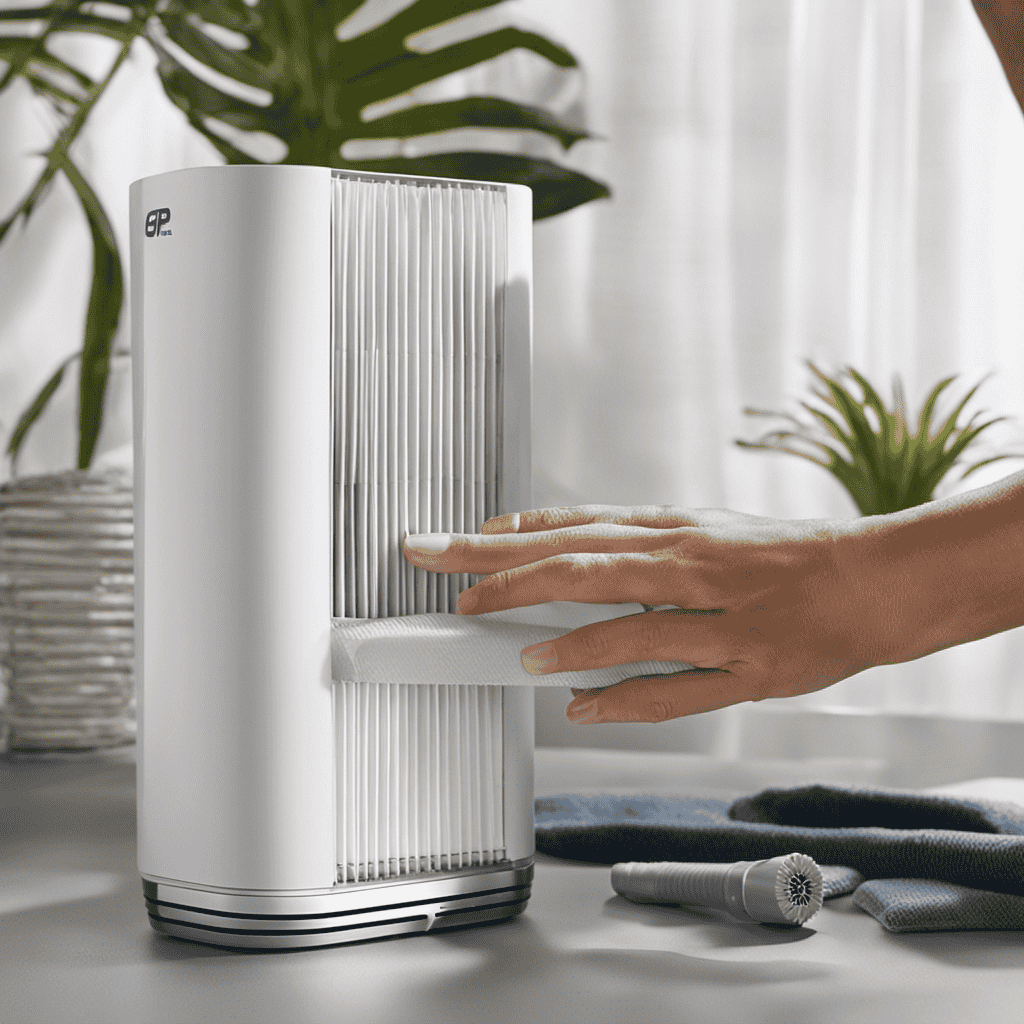
Have you ever wondered how to properly clean your Holmes Hepa Type Desktop Air Purifier? Well, look no further! In this article, I will guide you through the step-by-step process of cleaning your air purifier, ensuring that it functions at its best and provides you with clean, fresh air.
From gathering the necessary cleaning supplies to removing and cleaning the filters, I will provide you with detailed instructions to help you maintain your air purifier effectively.
So, let’s get started!
Key Takeaways
- The Holmes Hepa Type Desktop Air Purifier is designed to remove airborne particles like dust, pollen, pet dander, and smoke.
- It uses a HEPA-type filtration system to capture particles as small as 2 microns and features a three-stage filtration process with a pre-filter, HEPA-type filter, and optional ionizer.
- Cleaning the air purifier involves removing and cleaning the filters by vacuuming them and washing them if they are washable.
- The exterior of the air purifier can be cleaned using a soft cloth and mild cleaning solution, paying extra attention to areas that accumulate dust or dirt. Regular cleaning and maintenance are necessary to maintain efficiency and prolong the air purifier’s lifespan.
Understanding the Holmes Hepa Type Desktop Air Purifier
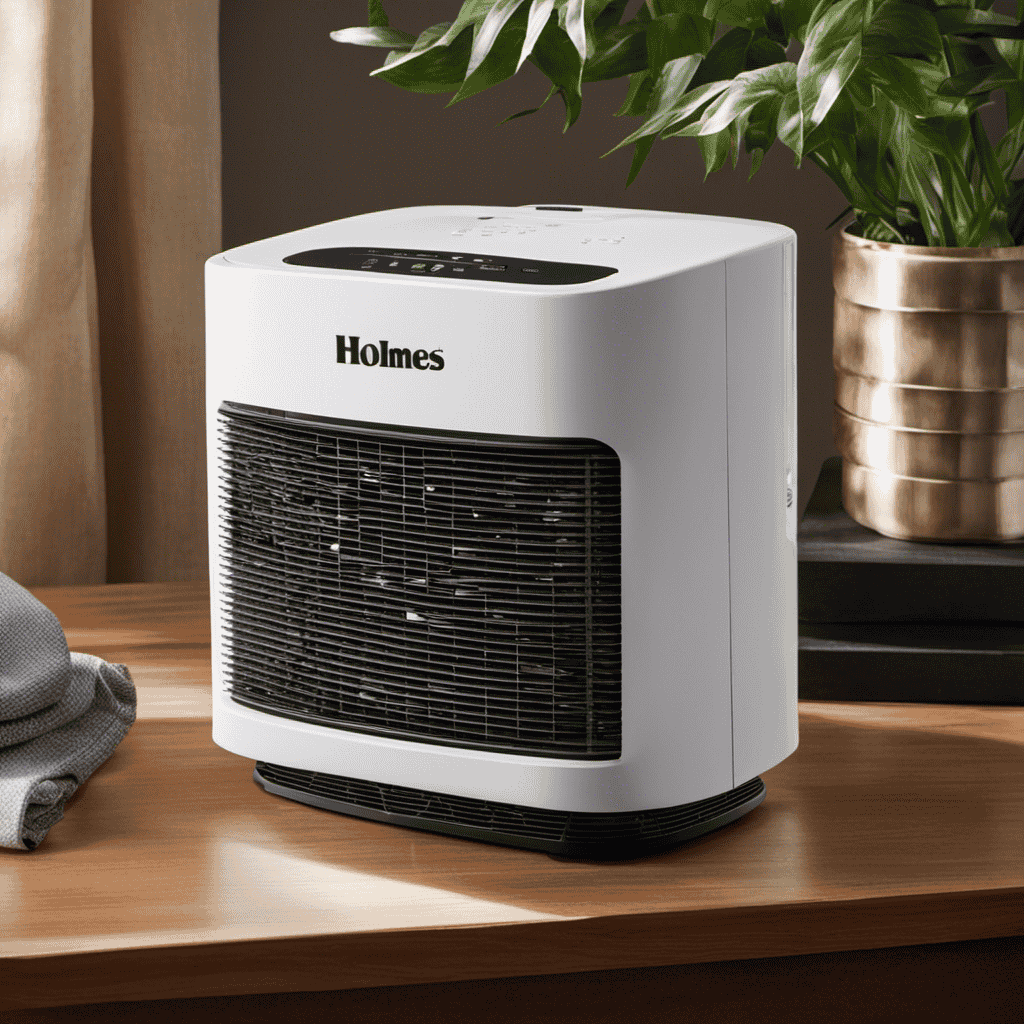
To understand the Holmes Hepa Type Desktop Air Purifier, you need to know how it works and the benefits it provides.
This air purifier is designed to remove airborne particles such as dust, pollen, pet dander, and smoke from the air in your home or office.
It uses a HEPA-type filtration system, which stands for High-Efficiency Particulate Air, to capture particles as small as 2 microns.
The purifier features a three-stage filtration process that includes a pre-filter, HEPA-type filter, and an optional ionizer to further enhance air quality.
With a compact and portable design, it can be easily placed on a desk or tabletop.
The Holmes air purifier also comes with convenient features like a filter status indicator, three speed settings, and an optional timer for customized operation.
Overall, this air purifier offers effective air cleaning and improved indoor air quality.
Gathering the Necessary Cleaning Supplies
First, gather all the supplies you’ll need to clean your HEPA air purifier. To begin, you’ll need a soft cloth or microfiber cloth, a vacuum cleaner with a brush attachment, mild dish soap, and warm water.
These cleaning techniques will effectively remove dust and debris from your Holmes HEPA Type Desktop Air Purifier. Start by unplugging the unit and removing the filter. Use the brush attachment on your vacuum cleaner to gently remove any loose dirt or debris from the filter.
Next, dampen the soft cloth or microfiber cloth with a mixture of mild dish soap and warm water. Gently wipe down the exterior of the air purifier, making sure to remove any fingerprints or smudges.
Once the unit is dry, reinsert the filter and plug it back in. Choosing the right cleaning products and following these cleaning techniques will help keep your HEPA air purifier in optimal condition.
Removing and Cleaning the Filters
Once you’ve unplugged the unit and removed the filter, use the brush attachment on your vacuum cleaner to gently remove any loose dirt or debris from the filter. Cleaning the filters of your Holmes HEPA type desktop air purifier is an essential maintenance task that ensures optimal performance.
Here are the recommended cleaning methods and frequency:
-
Vacuuming the filter:
-
Use the brush attachment to remove loose dirt and debris.
-
Be gentle to avoid damaging the filter.
-
Washing the filter:
-
Check the manufacturer’s instructions to determine if the filter is washable.
-
If washable, rinse it under running water until clean.
-
Allow the filter to dry completely before reinstalling.
-
Replacement:
-
Some filters are not washable and need to be replaced.
-
Check the recommended frequency for filter replacement in the user manual or manufacturer’s website.
Regularly cleaning or replacing the filters in your Holmes HEPA type desktop air purifier will help maintain its efficiency and prolong its lifespan.
Cleaning the Exterior of the Air Purifier
When wiping down the exterior of your air purifier, make sure to use a soft cloth and a mild cleaning solution. The cleaning process for the exterior of your air purifier is relatively simple, but it is important to follow the recommended cleaning frequency to maintain its efficiency.
Start by unplugging the air purifier from the power source. Dampen a soft cloth with a mild cleaning solution, such as a mixture of water and mild dish soap. Gently wipe the exterior surfaces of the air purifier, being careful not to get any liquid inside the device. Pay extra attention to areas that may accumulate dust or dirt, such as the control panel and vents.
Once you have finished cleaning, allow the air purifier to dry completely before plugging it back in.
Reassembling and Maintaining the Air Purifier
To reassemble and maintain your air purifier, you’ll want to carefully follow the manufacturer’s instructions and regularly replace the filters.
Here are some reassembling tips and common troubleshooting issues you may encounter:
-
Reassembling Tips:
-
Begin by gathering all the parts and components.
-
Follow the step-by-step instructions provided by the manufacturer.
-
Make sure to align the parts correctly and secure them tightly.
-
Troubleshooting Common Issues:
-
If your air purifier doesn’t turn on, check if it is properly plugged in and the power switch is on.
-
If you notice a decrease in airflow, check for any blockages in the air intake or filters.
-
If the filters become dirty quickly, it may be due to poor indoor air quality or excessive dust in your environment.
Conclusion
In conclusion, cleaning my Holmes Hepa Type Desktop Air Purifier was a simple and efficient process. By gathering the necessary cleaning supplies and carefully removing and cleaning the filters, I was able to maintain the air purifier’s optimal performance.
Additionally, cleaning the exterior of the purifier ensured that it not only looked clean but also functioned effectively.
Remember, ‘A clean home is a happy home,’ and by regularly cleaning and maintaining your air purifier, you can create a healthier and more comfortable living environment.