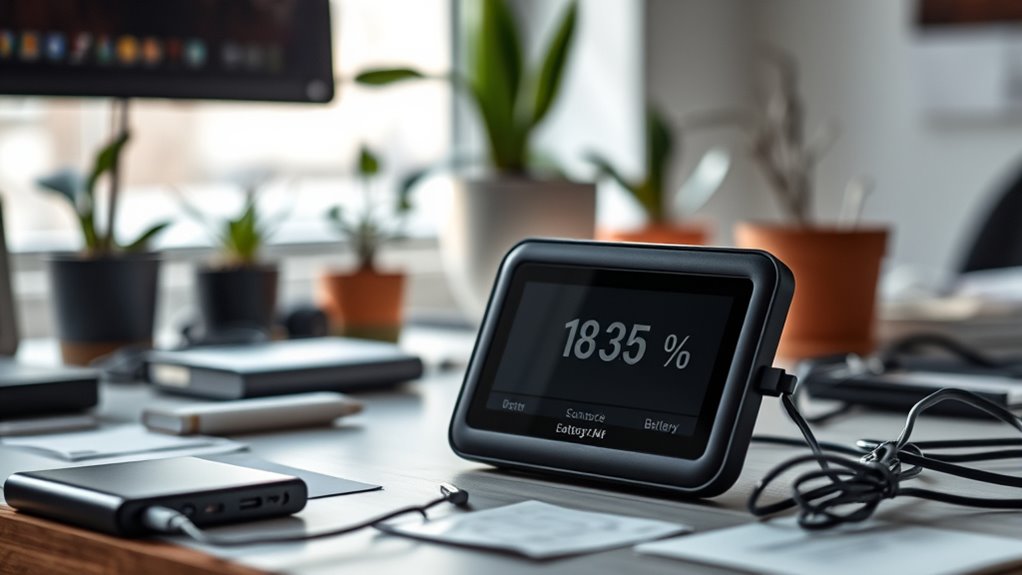

To optimize your portable air quality monitor’s battery life, reduce power consumption by activating sleep mode, lowering screen brightness, and disabling non-essential features like Wi-Fi or Bluetooth when not in use. Manage your device’s sampling rates to conserve energy and keep the firmware updated for better efficiency. Using a larger capacity battery can extend operation, but balancing weight and portability is key. Keep exploring these strategies to maximize your device’s performance and longevity.
Key Takeaways
- Enable power saving modes by reducing sampling rate and lowering screen brightness during low activity periods.
- Regularly update firmware to benefit from improved power management features.
- Turn off non-essential functions like Bluetooth and Wi-Fi when not in use to conserve battery.
- Use a higher capacity battery model for extended usage in remote or prolonged monitoring sessions.
- Store the device in cool, dry conditions and avoid full discharges to maintain optimal battery health.

Portable air quality monitors are essential tools for tracking pollution levels on the go, but their battery life often limits their usefulness. To make sure you get the most out of your device, understanding how to optimize its battery life is crucial. One of the most effective strategies is utilizing power saving modes. Many monitors come with these features designed to reduce power consumption during periods of low activity or when high precision isn’t necessary. When you activate power saving modes, your device adjusts its sampling rate, screen brightness, or even temporarily disables non-essential functions, all of which help conserve battery life. This allows you to extend usage time without sacrificing critical data collection, especially during long outdoor sessions or when charging options are limited.
Another key aspect to consider is your monitor’s battery capacity. The larger the battery capacity, the longer your device can operate between charges. When choosing a portable air quality monitor, opt for models that offer higher battery capacity if you plan to use it extensively or in remote locations. Keep in mind, however, that larger batteries might add weight or bulk to the device, so balance capacity with portability based on your needs. Additionally, maintaining the health of your battery is vital. Avoid letting it fully discharge regularly, as this can degrade the battery over time. Instead, aim to recharge it before it hits very low levels to prolong its lifespan. Using the correct charger recommended by the manufacturer also ensures safe and efficient charging cycles.
Understanding the headphone compatibility options of your device can also help optimize power consumption, as wired connections typically use less power than wireless Bluetooth connections. Incorporating regular charging habits and managing power settings are simple yet effective ways to maximize your monitor’s operational time. When not in use, turn off unnecessary features like Bluetooth or Wi-Fi if they’re not needed for your current task. Keep your device’s firmware updated, as manufacturers often release updates that improve power management and overall efficiency. Proper storage is also important; if you’re not planning to use the monitor for an extended period, store it in a cool, dry place and ensure the battery is partially charged—around 50%—to prevent capacity loss over time.
Frequently Asked Questions
How Does Temperature Affect Battery Performance in Air Quality Monitors?
Temperature affects your air quality monitor’s battery performance by impacting temperature stability and thermal management. When it’s too hot or cold, the battery may drain faster or struggle to hold a charge. To maximize battery life, you should guarantee proper thermal management and keep your device within ideal temperature ranges. This helps maintain consistent performance and prevents overheating or freezing, ultimately extending your monitor’s operational time.
Can External Power Sources Extend Monitor Battery Life Effectively?
Imagine the peace of mind you’ll feel knowing your monitor stays powered longer. External power sources, like solar charging and portable power banks, can considerably extend your device’s battery life. By leveraging these options, you guarantee continuous air quality monitoring without interruption. Embrace the convenience of portable power solutions, and let your monitor work tirelessly to keep you informed, no matter where your environment takes you.
What Are the Best Practices for Calibrating Batteries Regularly?
To guarantee your monitor’s battery remains reliable, you should follow regular calibration schedules and proper battery maintenance. Calibrate your device every few months or as recommended by the manufacturer to maintain accurate readings. Always fully charge and discharge the battery periodically to prevent capacity loss. Keep the battery clean and store the monitor in a cool, dry place. These practices help extend battery life and assure maximum performance over time.
How Do Different Sensor Types Impact Overall Battery Consumption?
Think of sensors as different engines powering your device. Gas sensors demand more fuel, draining your battery faster, while particulate sensors are more efficient. This impacts sensor longevity and influences your power management strategies. Choosing sensors wisely balances accuracy with battery life. By understanding each sensor’s power consumption, you can optimize your monitor’s performance, ensuring longer use without sacrificing quality.
Are There Any Software Updates That Improve Battery Efficiency?
Yes, software updates can considerably improve battery efficiency in your portable air quality monitor. Developers often release updates that optimize power management, reduce unnecessary background processes, and enhance sensor operation. By regularly installing these updates, you guarantee your device runs more efficiently, extending battery life. Keep an eye out for firmware notifications or visit the manufacturer’s website to stay current with the latest software improvements for better battery performance.
Conclusion
By optimizing your air quality monitor’s battery life, you turn a device that’s always alert into a silent guardian, quietly working in the background. Imagine a busy city skyline at dusk—lights flickering on one by one—mirroring your monitor’s extended runtime. Just as a steady glow provides clarity without distraction, a well-optimized battery guarantees your device stays active longer, offering continuous air insights without interruption. Keep it efficient, and your monitor will serve you reliably, day after day.