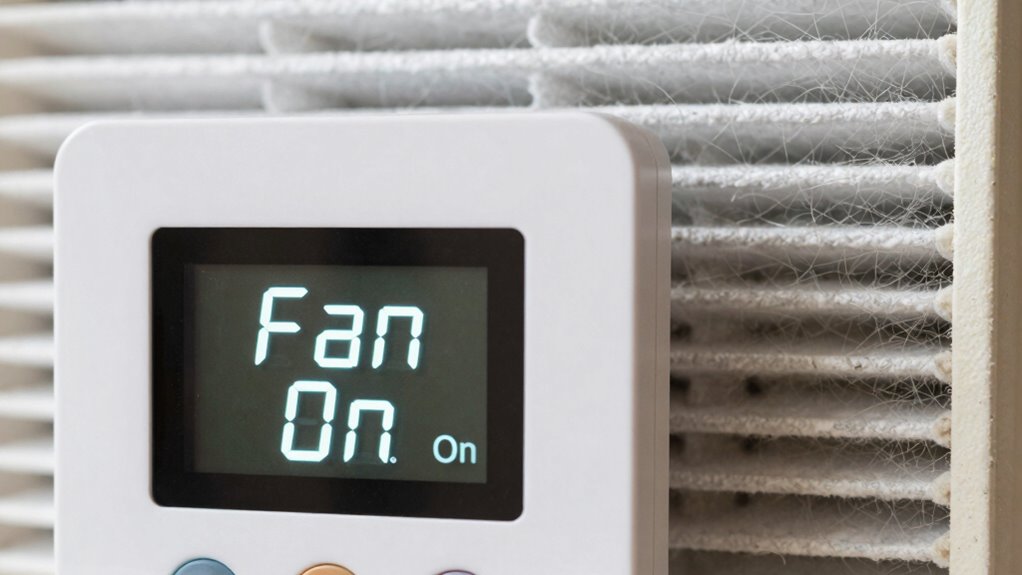

Running your thermostat fan on ‘On’ keeps air circulating constantly, which can actually help your filter catch more dust, allergens, and airborne particles over time. However, this steady airflow may also cause your filter to clog faster, reducing its effectiveness and increasing maintenance needs. Using the ‘Auto’ setting allows the system to run only during heating or cooling, which may extend filter life but can reduce airflow consistency. Continue exploring to understand how your system choice impacts filter performance in surprising ways.

Get garden gear delivered free — and shop member deals
- Fast, free delivery on millions of items
- Access to Prime Big Deal Days deals on October 6–7
- Prime Video, Amazon Music and more included
Key Takeaways
- Running the fan ‘On’ increases filter usage and dirt accumulation, requiring more frequent filter replacements.
- ‘Auto’ mode reduces fan operation, leading to less filter wear and potentially longer filter life.
- Continuous airflow with ‘On’ can circulate dust and allergens more evenly, impacting indoor air quality.
- ‘Auto’ minimizes filter dirt buildup, lowering maintenance frequency and overall filter costs.
- Filter effectiveness can be influenced by fan operation mode, affecting indoor air cleanliness and system efficiency.
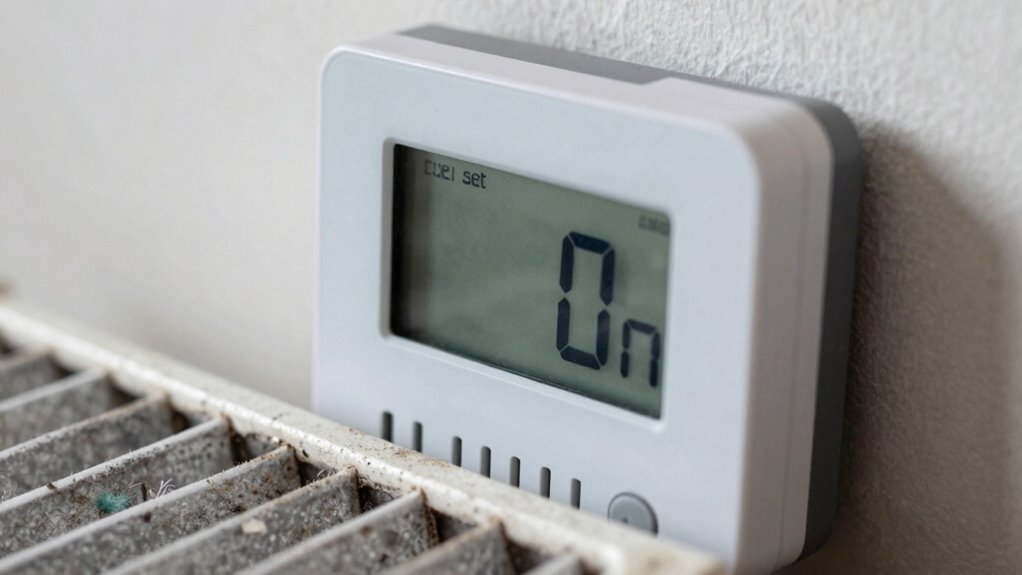
When it comes to controlling your home’s heating and cooling, understanding the difference between setting your thermostat fan to ‘On’ versus ‘Auto’ is essential. This choice influences not just comfort but also how your system uses energy and the noise levels you experience. If you leave your fan on ‘On,’ the blower runs continuously, regardless of whether your system is actively heating or cooling. This can lead to increased energy consumption because the fan is constantly using power, even when it’s not needed to regulate temperature. Over time, that added energy use can translate into higher utility bills. Conversely, setting the fan to ‘Auto’ means it only runs when your system is actively heating or cooling, turning off once the desired temperature is reached. This switch often results in better energy efficiency, helping you save money without sacrificing comfort. Additionally, the refresh rate of your system can impact how smoothly the fan operates and how comfortable your environment feels. Noise levels are another important aspect to take into account. When your fan stays on ‘On,’ you might notice a constant background hum or whir, which can be disruptive, especially during quiet times or at night. This continuous operation can be particularly bothersome if your HVAC system’s blower is loud or if your home is small. On the other hand, setting the fan to ‘Auto’ minimizes noise because the blower only runs when needed. You’ll find that your home remains quieter, making it easier to relax or sleep without constant background noise. However, some people prefer the ‘On’ setting because it provides more consistent airflow throughout their home. This can help with even temperature distribution and improve air circulation, particularly in homes with poor airflow or uneven heating. Still, it’s important to weigh this benefit against the increased energy use and noise. If you’re aiming for maximum energy efficiency and want a quieter environment, the ‘Auto’ setting is usually the better choice. It allows your HVAC system to operate more efficiently by only running the fan when necessary, reducing both energy consumption and noise disturbance.
As an affiliate, we earn on qualifying purchases.
Frequently Asked Questions
Can Setting the Fan to ‘On’ Improve Indoor Air Quality?
Setting the fan to ‘On’ can improve indoor air quality by increasing air circulation, helping to distribute conditioned air more evenly. However, it also means the filter runs constantly, so regular filter maintenance becomes essential to prevent dust and allergens buildup. Keeping your filter clean ensures the continuous fan runs effectively, reducing indoor pollutants and maintaining healthier air quality. Just remember, consistent filter changes are key when using the fan on ‘On’.
Does Running the Fan Continuously Increase Energy Bills Significantly?
Running the fan continuously does increase your energy consumption, which can lead to higher costs. While it might improve air circulation and filtration, the cost implications can add up over time. If you’re concerned about energy bills, setting your fan to ‘auto’ helps minimize unnecessary energy use, saving you money. Consider your indoor air quality needs carefully, but for cost savings, ‘auto’ is generally the better choice.
How Does Fan Setting Affect Humidity Levels Inside the Home?
Think of your home as a delicate garden; the fan setting is your gardener. When you set it to ‘On,’ the continuous air circulation helps control moisture, reducing humidity and preventing mold. On ‘Auto,’ the fan only runs when needed, letting humidity fluctuate. For ideal moisture control and a comfortable environment, running the fan ‘On’ maintains steady humidity levels, protecting your home’s health and comfort.
Is There a Recommended Fan Setting for Allergy Sufferers?
You should set your thermostat fan to ‘Auto’ for better allergy relief and improved air quality. When set to ‘Auto,’ the fan runs only when heating or cooling, helping to filter allergens efficiently without circulating dust constantly. Using ‘On’ can push allergens and dust throughout your home, worsening allergy symptoms. So, for ideal allergy relief, keep the fan on ‘Auto’ to reduce allergen circulation and enhance indoor air quality.
Can Switching Between ‘On’ and ‘Auto’ Extend HVAC System Lifespan?
Switching between ‘on’ and ‘auto’ can help extend your HVAC system’s lifespan by reducing wear on the fan motor. Using ‘auto’ minimizes continuous operation, preventing unnecessary strain, while ‘on’ ensures constant airflow, aiding in better filtration and air quality. Regular HVAC maintenance, like changing filters and inspecting the fan motor, keeps your system running smoothly and efficiently, ultimately prolonging its life regardless of the setting you select.
Conclusion
Choosing between ‘on’ and ‘auto’ for your thermostat fan is like finding the perfect rhythm for your home’s comfort. While ‘on’ keeps things moving steadily, it might gently whisper that your filter works a bit harder than needed. Opting for ‘auto’ allows your system to dance seamlessly, helping your filter breathe easier. Sometimes, a small change in settings can lead to a smoother, more harmonious environment — all without missing a beat.
Fall yard work Picks
leaf blowers
As an affiliate, we earn on qualifying purchases.